Organize
Organize your local stack
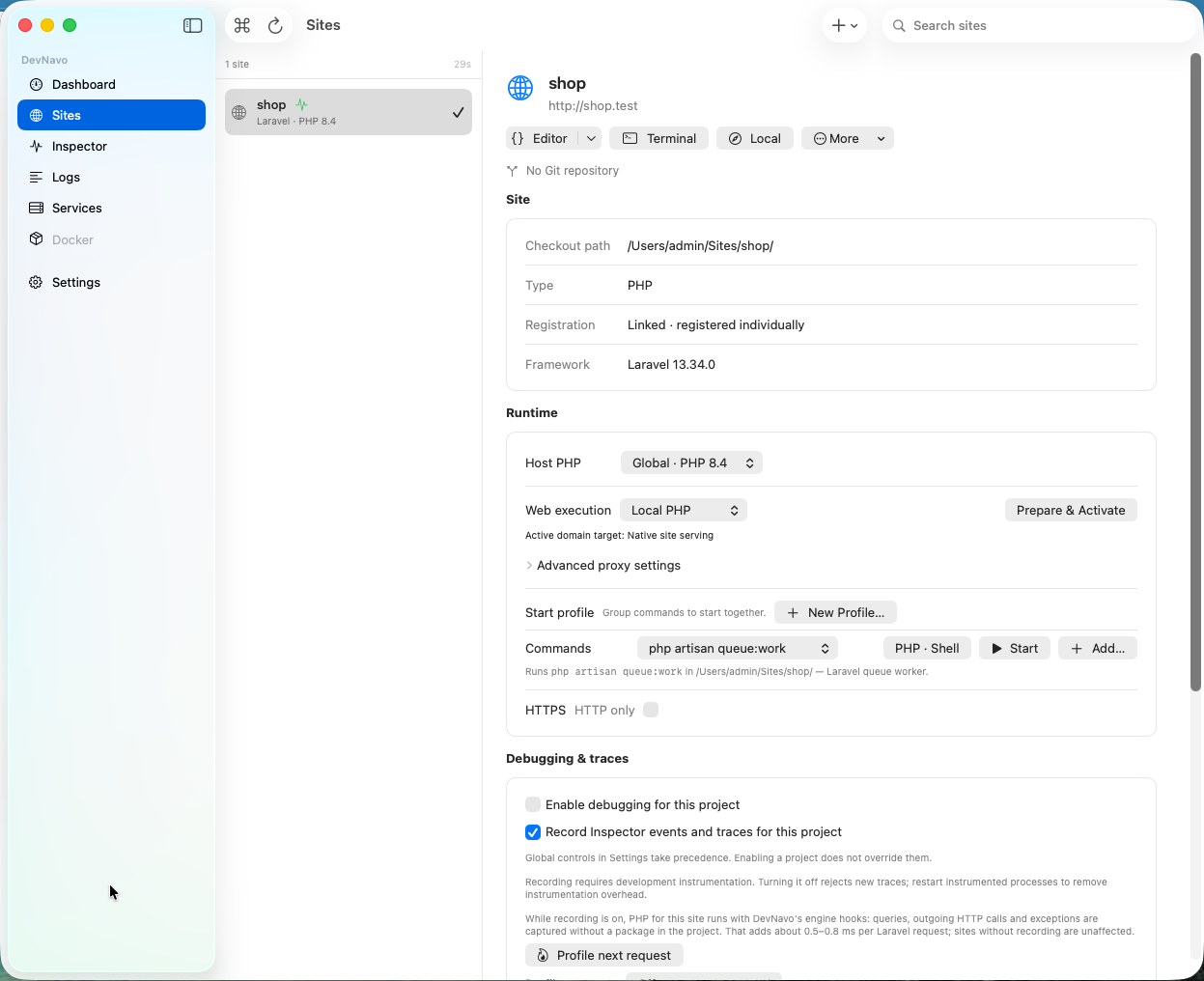
- Group repositories into one project
- Detect frameworks and runtime versions
- Manage project URLs, environments and branches
Your local development project in one native Mac app. Bring repositories, runtimes, Docker, commands, services, logs and debugging together in one place.

Laravel · Symfony

Next.js · NestJS · Vite

FastAPI · Django
MULTIREPO PROJECTS
DevNavo Pro groups every repository of your product into a single cockpit. Runtimes, services, commands and logs stay aligned across the whole project.
Laravel API, Vue frontend and Python worker in one project.
Organize
Run
Inspect
LOCAL DEVELOPMENT
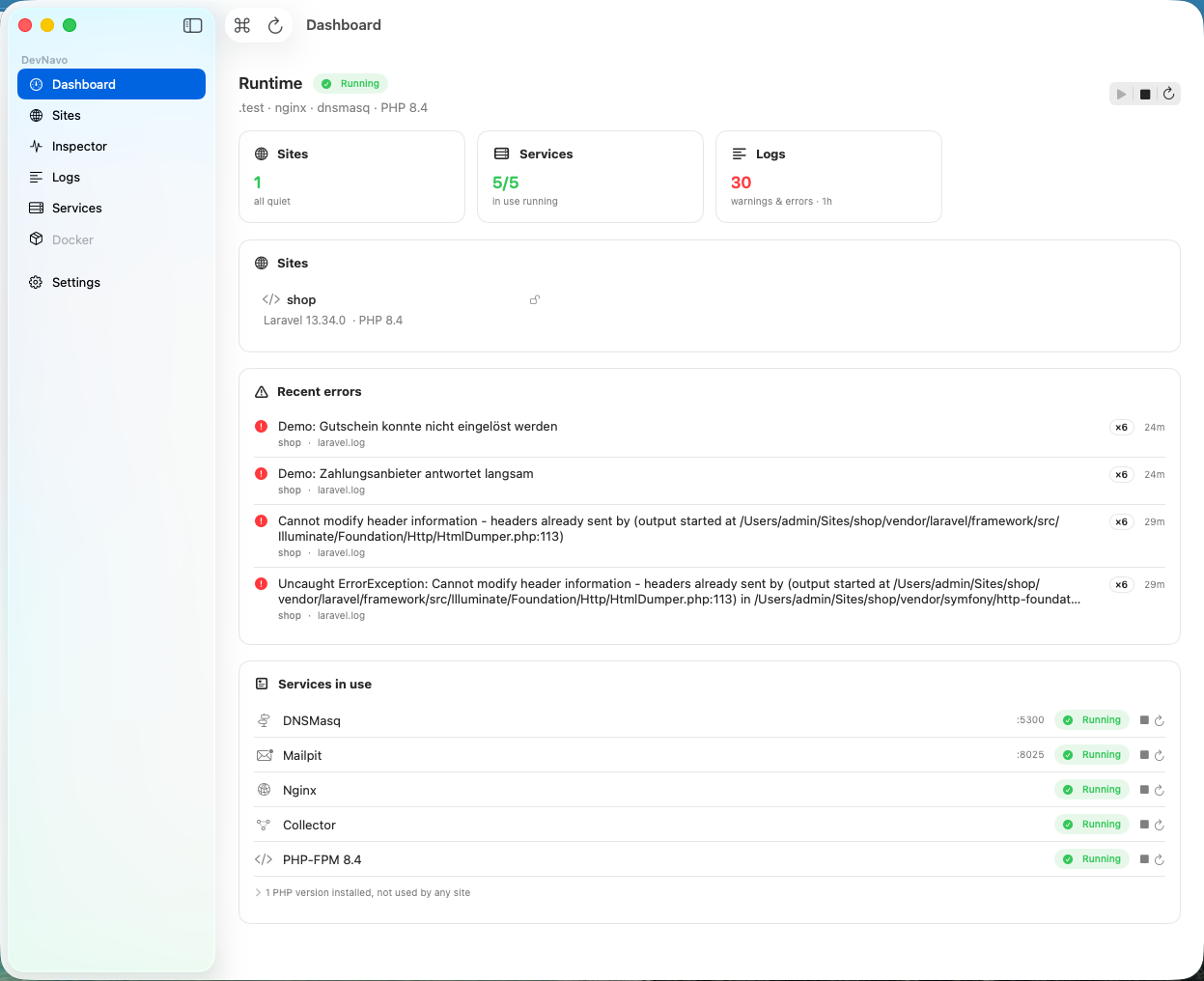 01Dashboard
Review runtimes, running services and recent project errors.
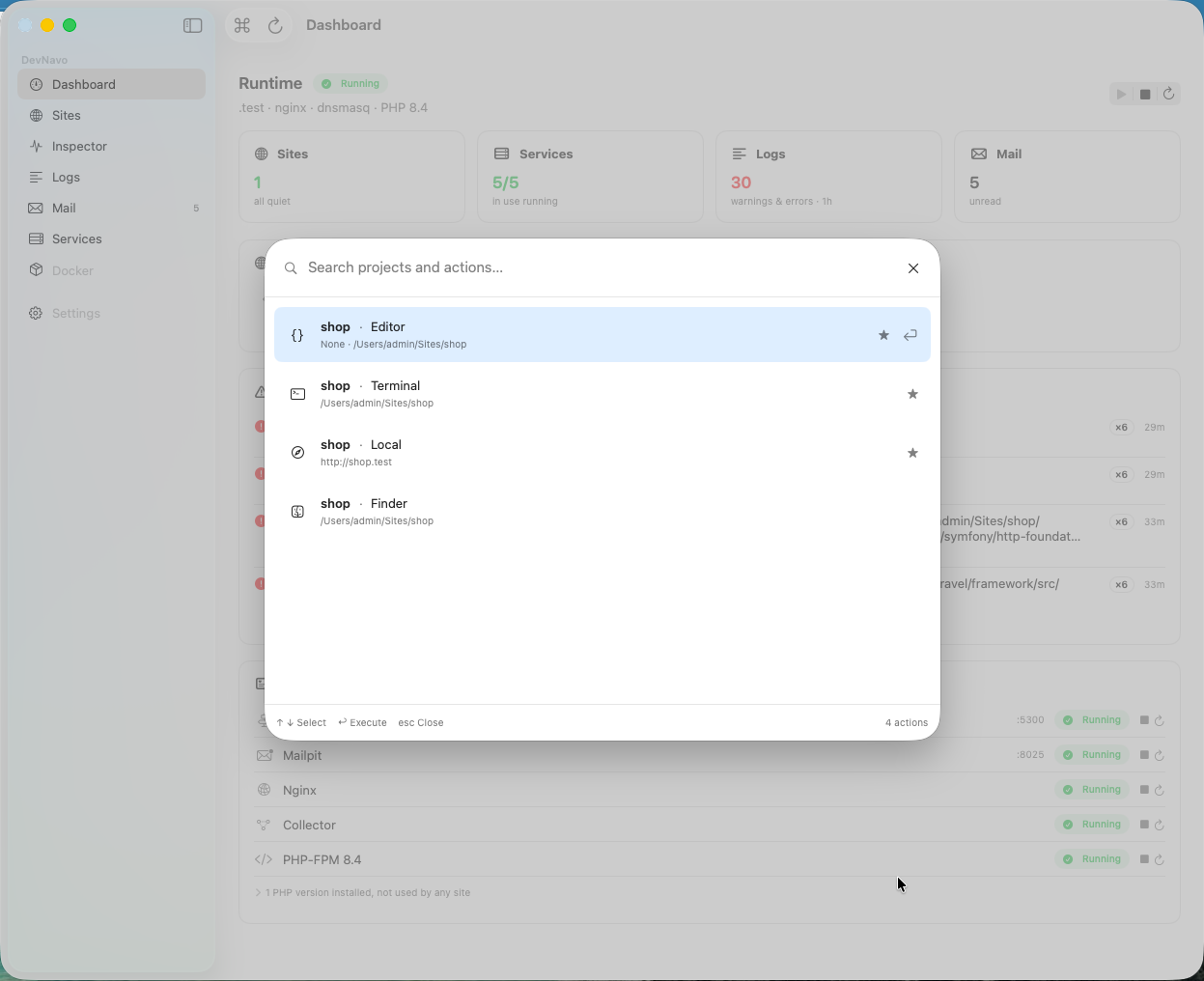 02Quick actions
Launch the editor, terminal or local URL for your project.
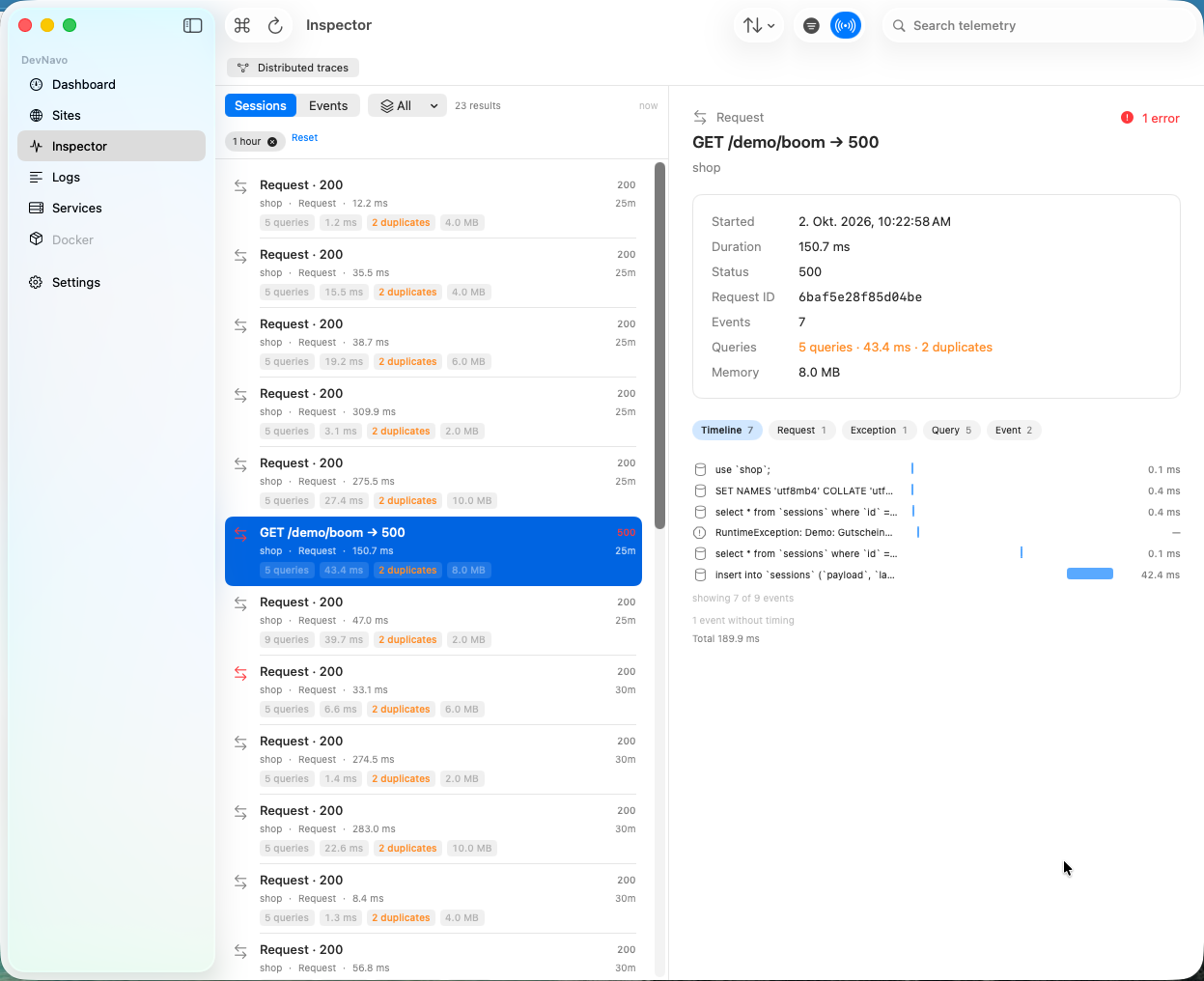 03Inspector
Review timings, duplicate database queries and exceptions within a request.
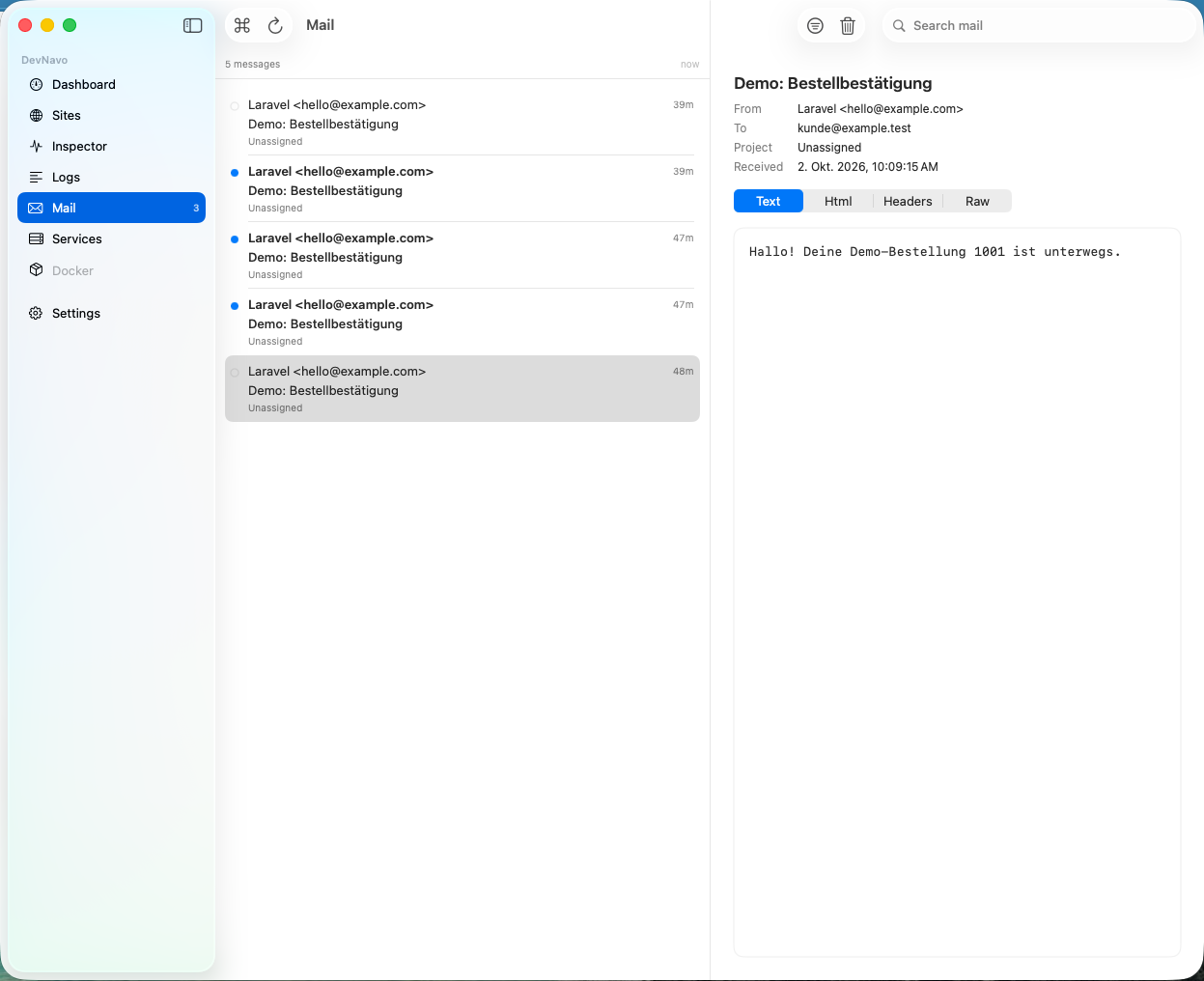 04Mail
Check the text, HTML and headers of local test emails.
YOUR FIRST PROJECT
Native dependencies may require additional build tools.
See the setup guideSTART FREE. ADD PRO WHEN YOU NEED IT.
Try every Pro feature for 14 days. No credit card required.
For individual developers and small teams. A permanent free plan with up to 5 projects.
Then continue with DevNavo Free
14 days of Pro included · No credit card. No account.
Core features for everyday development. See the shared Free eligibility note below.
For your workflow with multirepo projects and advanced tooling.
per developer · up to 3 personal Macs
One personal licence. Up to three of your own Macs.
Billed annually. Renews automatically until cancelled.
Regional prices include applicable tax. Your billing country determines the final currency and total in Paddle.
All Pro features for every developer on your team.
per developer · up to 3 personal Macs
Choose your team size and buy personal Pro licences together.
4 Pro licences
276 USD per year
Billed annually. Renews automatically until cancelled.
Regional prices include applicable tax. Your billing country determines the final currency and total in Paddle.
Free is available to individuals and organisations with up to three DevNavo users. With four or more users, each person needs a Pro licence after the 14-day trial.
DevNavo does not remove or disable your existing projects, services or configurations when the Pro period ends. Existing projects stay usable, even above the five-project limit or with multiple repositories. New projects beyond the Free limit and new Pro resources require Pro. The organisation rule still applies.
You need an Apple Silicon Mac running macOS 26. Intel Macs, Windows and Linux are not supported.
Project diagnostics stay local. Licensing, updates and enabled integrations use their own network connections.
Every Pro feature is unlocked for 14 days. No credit card required. DevNavo automatically switches to Free afterwards.
Eligible users continue with Free. Organisations with 4 or more DevNavo users still need Pro for each user. Your existing projects, services and configurations remain available. Creating additional Pro resources may require a Pro licence.
14 days of Pro included. Then DevNavo Free for as long as you like. No automatic subscription.
Apple Silicon · macOS 26