Help
From download to your first project.
Set up runtimes, start project commands and inspect logs.
01
Install & set up
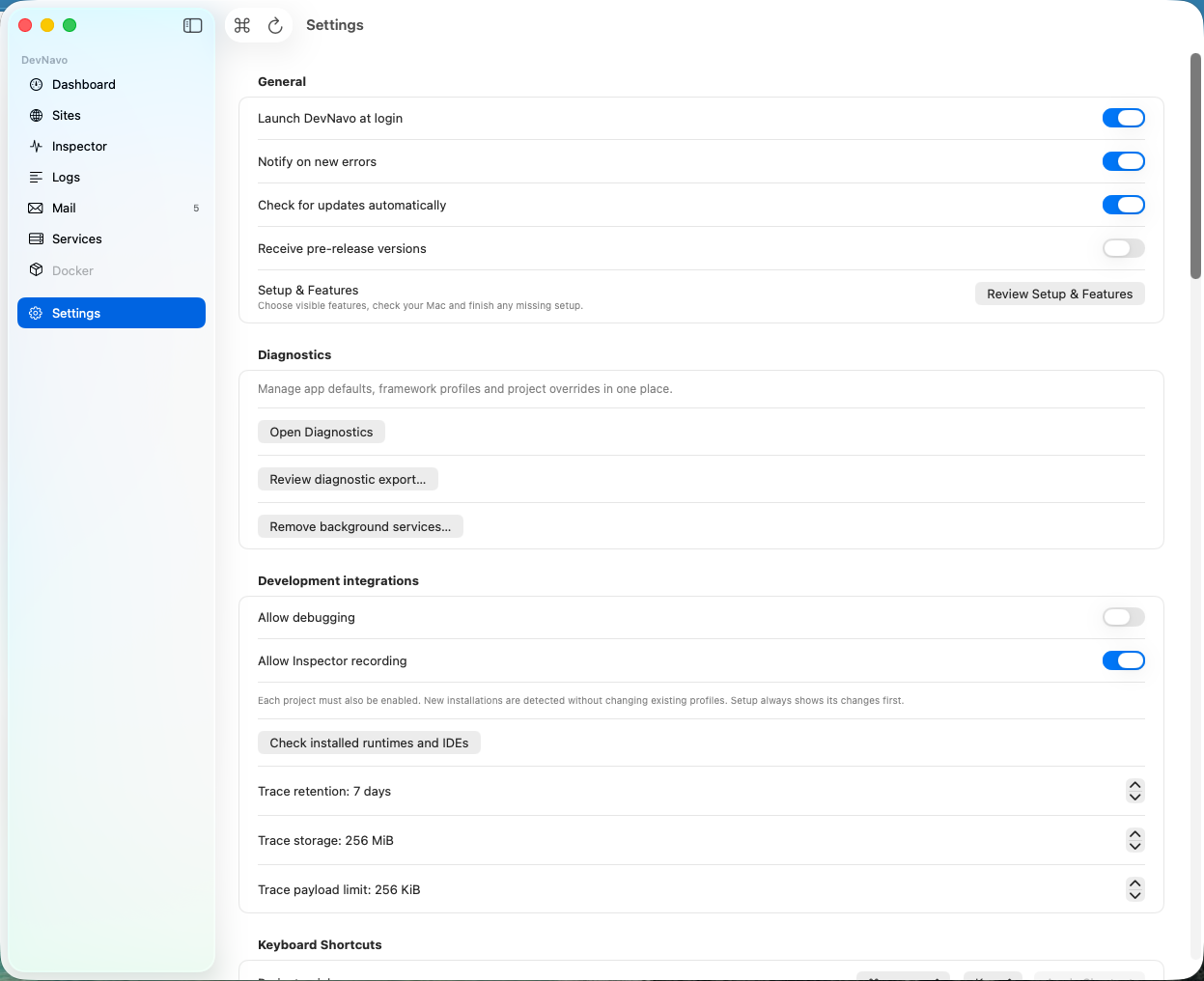
Open the downloaded disk image and move DevNavo to Applications. Launch the app, choose your stack and follow the guided setup. macOS may ask you to approve local services and certificates. Your first 14 days unlock every Pro feature. No credit card is required. DevNavo automatically switches to Free afterwards.
02
Open or create a project
In Sites, add your project folder or choose New Project. Templates include Laravel, Symfony, Next.js, NestJS, Vite, Django and FastAPI. Install the dependencies your project needs.
03
Start runtimes and project commands
Select the runtime version your project requires. Start local services and commands such as development servers or queue workers. Open the project's local URL, editor or terminal from Sites.
04
Debug with logs and stack traces
In Logs, select the project and an error. Review its stack trace and source location. Problems groups related errors. Deeper runtime recording may require project-specific setup.
05
Run project tests and linters
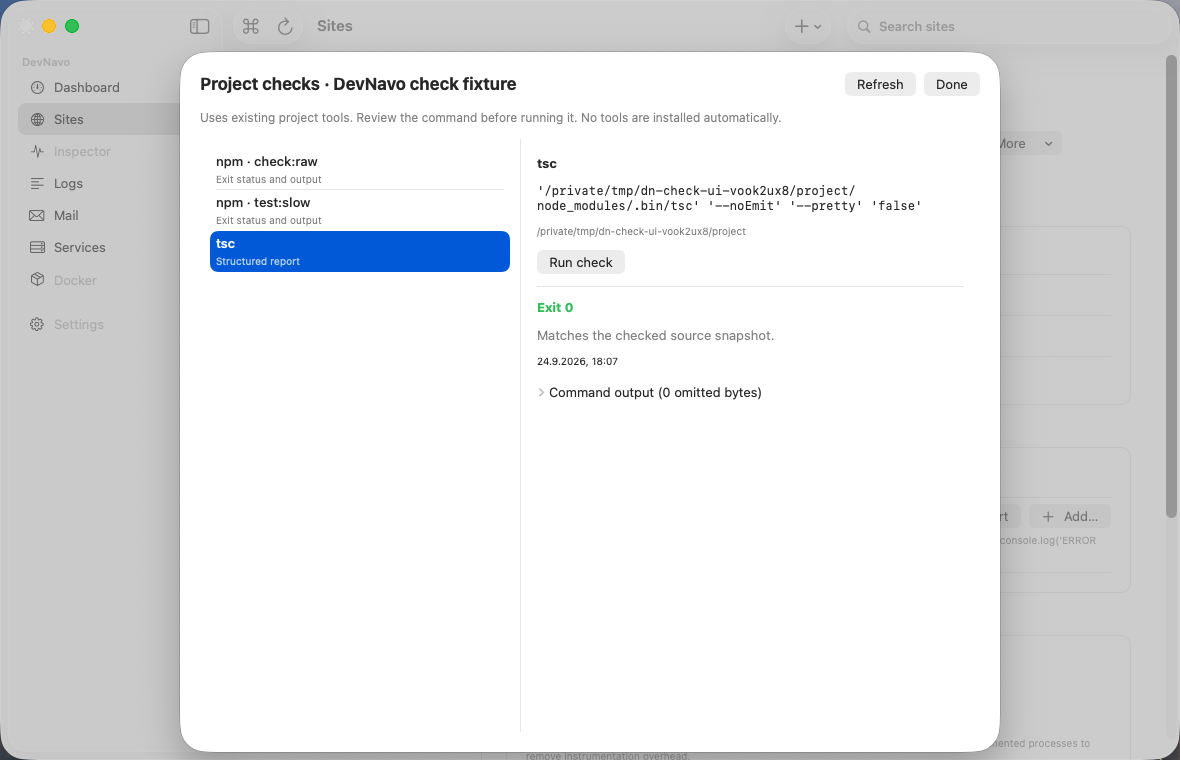
Run existing project tests and linters through Project checks. When source files change, previous results are marked as stale. Run the check again after your fix.
06
Activate your licence
Buying from the app connects the purchase to that Mac. If you buy on the website, open the activation link in your licence email or paste the key into Settings → Licence.
SETUP & LICENSING
What you need to know.
A service cannot start
Check whether another development tool is already using the required port. Review the service logs before changing or stopping anything.
A native dependency will not build
Runtimes are bundled, but native dependencies may require additional build tools. Check the build error, follow your project's dependency instructions and review DevNavo's setup suggestions.
My new Mac cannot activate
Each Pro seat covers three of your own Macs. In the app’s licence settings, review your devices and release one you no longer use.
I want multirepo projects
Multirepo projects are a Pro feature. Upgrade one developer to Pro, then group the repositories of your product into a single project in DevNavo.
Need help with your setup?
Include your macOS and DevNavo versions, the affected stack and steps to reproduce the issue. Remove credentials and personal data from logs before sending them.
[email protected]